Azad-Hye
To write in Armenian script you must add “Armenian” as an Input Language to Windows 7.
By doing so you will be able to write Armenian using the existing English keyboard. For example, you can click ?A? and it will be produced as an Armenian ?Ա?.
How to install Armenian characters?
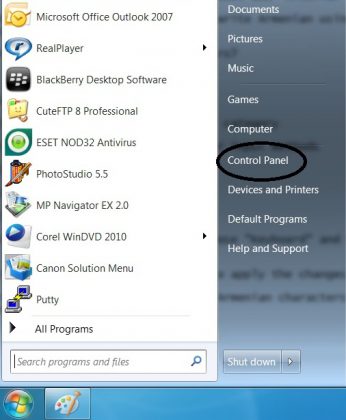
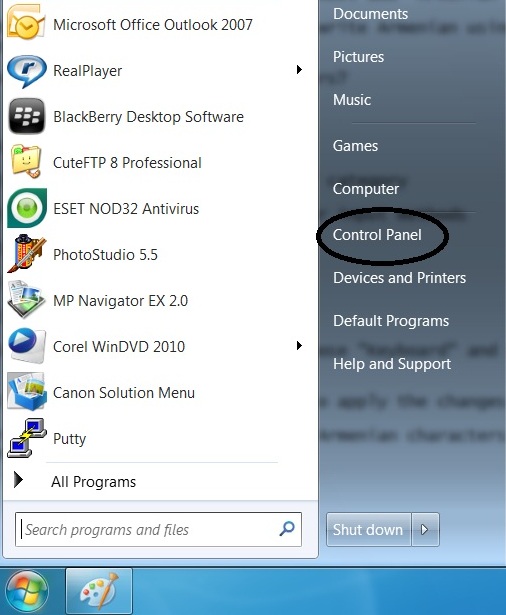
Go to Control Panel
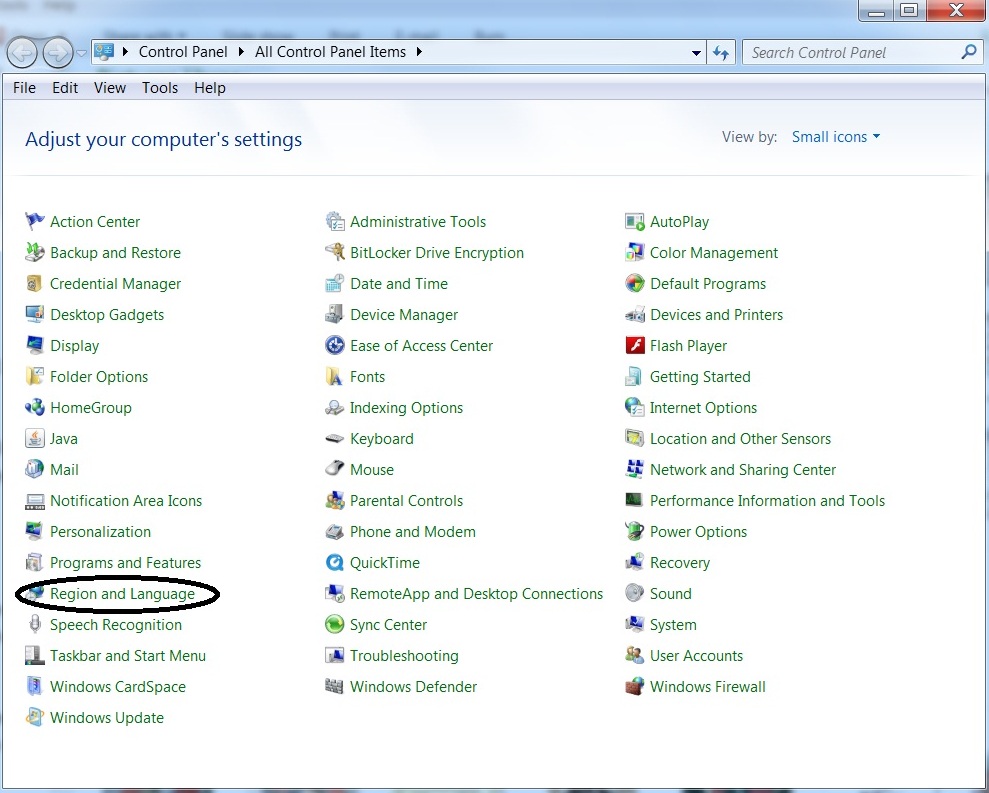
Select the “Region and Language” category
Select “Keyboards and Languages”
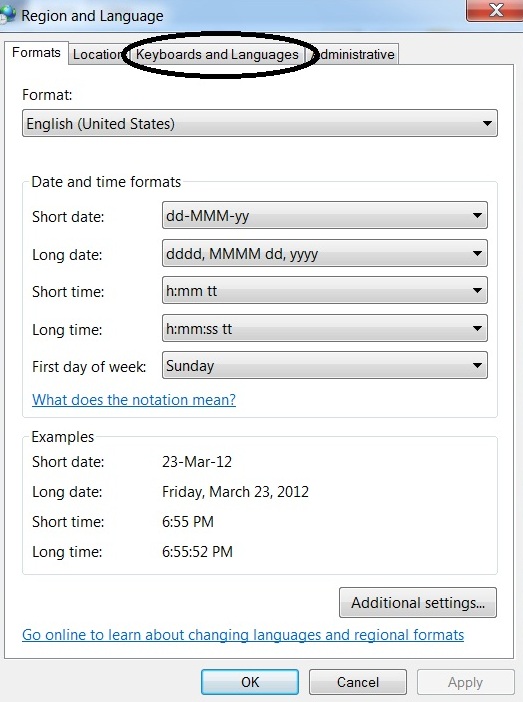
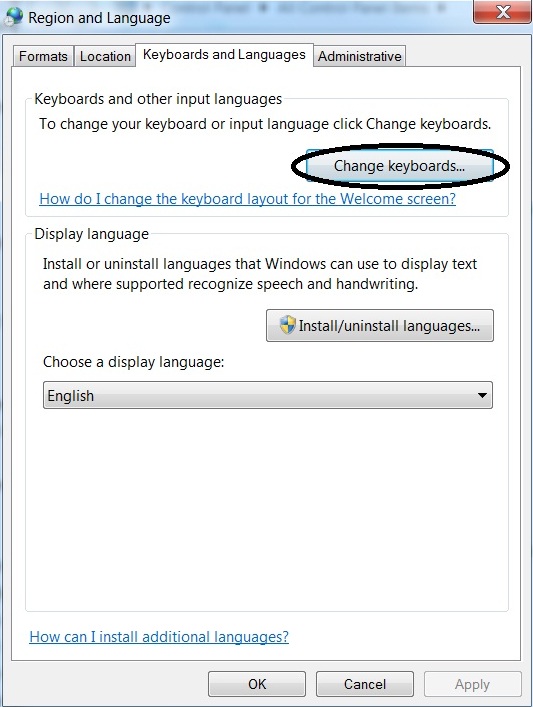
Select “Change Keyboards”
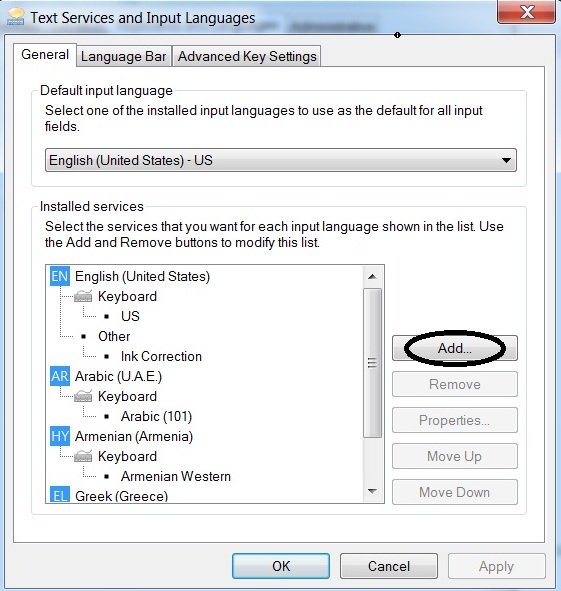
Click the “Add” button
Under the “Armenian” option, choose “Keyboard” and select “Armenian Eastern” or “Armenian Western” according to your needs.
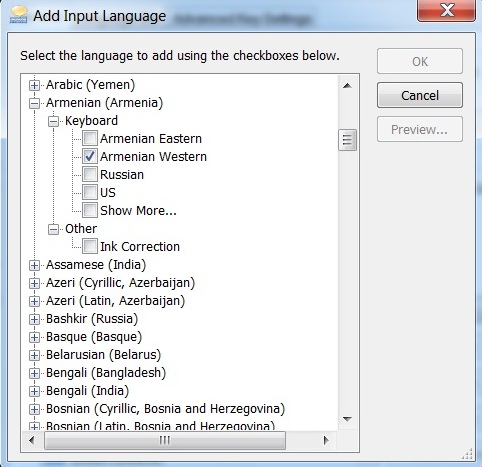
Click the Close and OK buttons to apply the changes
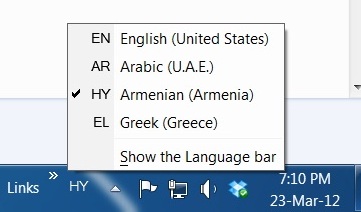
You will be able now to use the Armenian characters by choosing “HY / Armenian (Armenia)” from the language icon on the lower left corner of the screen.